Actions
Idea #8324
closed
IQ
JD
Idea #8317: Internal Team Redmine Training
Practice – Log Time
Idea #8324:
Practice – Log Time
Start date:
09/07/2026
Due date:
09/09/2026
% Done:
100%
Estimated time:
Description
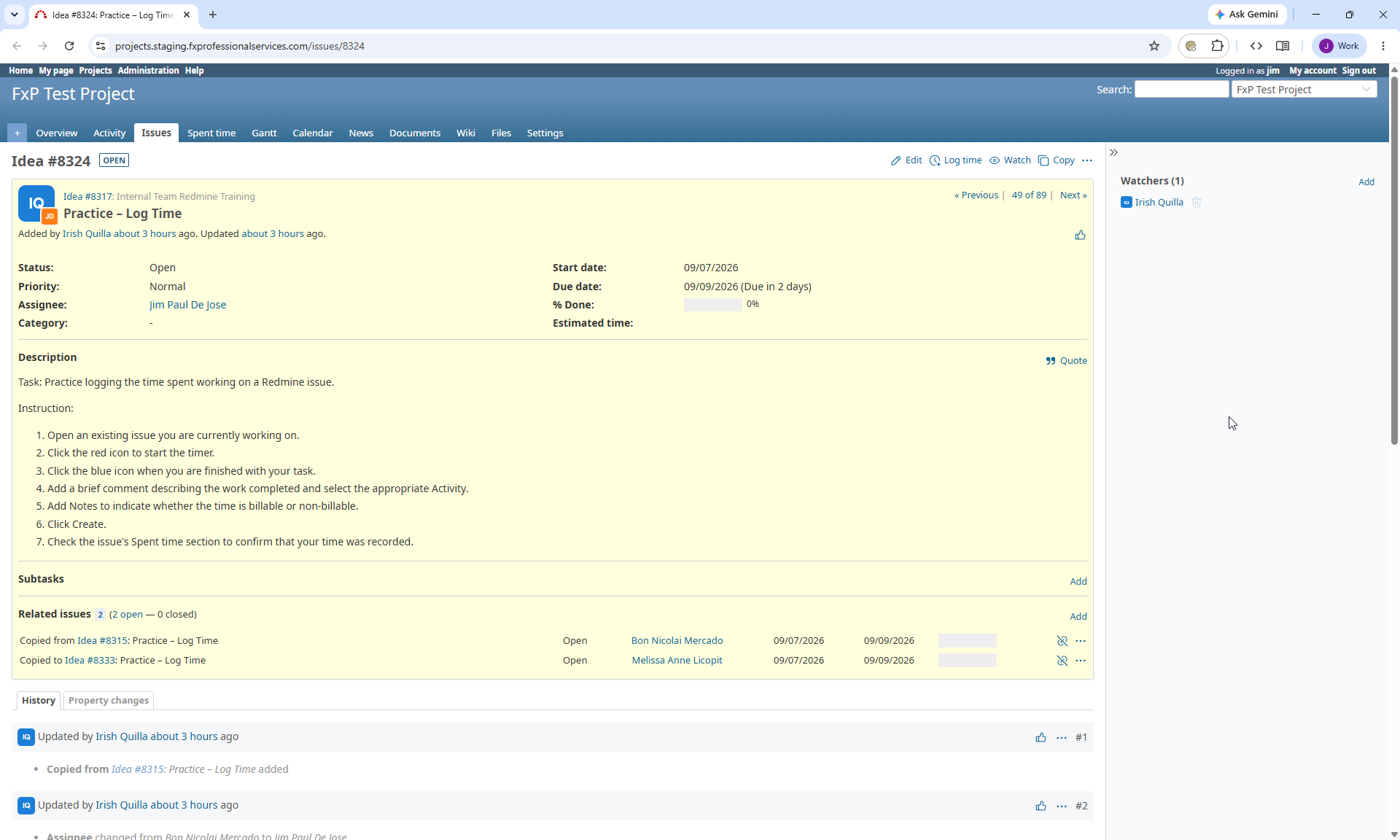
Task: Practice logging the time spent working on a Redmine issue.
Instruction:
- Open an existing issue you are currently working on.
- Click the red icon to start the timer.
- Click the blue icon when you are finished with your task.
- Add a brief comment describing the work completed and select the appropriate Activity.
- Add Notes to indicate whether the time is billable or non-billable.
- Click Create.
- Check the issue's Spent time section to confirm that your time was recorded.
Files

IQ Updated by Irish Quilla about 1 month ago
- Assignee changed from Bon Nicolai Mercado to Jim Paul De Jose
IQ Updated by Irish Quilla about 1 month ago
- Copied to Idea #8333: Practice – Log Time added
JD Updated by Jim Paul De Jose about 1 month ago
- File chrome_jxl8gL2YYT.png chrome_jxl8gL2YYT.png added
@Irish Quilla I'm stuck at step 2, where can I find the "red icon" to start the timer?
IQ Updated by Irish Quilla about 1 month ago
I mean green. I'm sorry.
JD Updated by Jim Paul De Jose about 1 month ago
billable
IQ Updated by Irish Quilla 10 days ago
- Status changed from Need Breakdown to Complete
- % Done changed from 0 to 100
Actions